A saved post is not a cookbook
A favorite, collection, Pin, or playlist is still a pointer to someone else's content. Ingredients may be in a caption, quantities in a pinned comment, and the method buried in a video. When you finally cook, you are scrubbing a screen with wet hands — and if the post changes or disappears, your save goes with it.
Brasa turns the post into a structured recipe — clean ingredient list, readable steps, timers — that lives in your own library, independent of what happens to the video.
Choose the path that matches the post
Method 1
Choose Save to Brasa
From TikTok, Instagram, Pinterest, or YouTube, tap Share → Save to Brasa. Brasa reads the written recipe from the post or video description and files clean ingredients and steps into your library. If the creator linked a recipe site, Brasa follows it and captures the original quantities and times.
Method 2
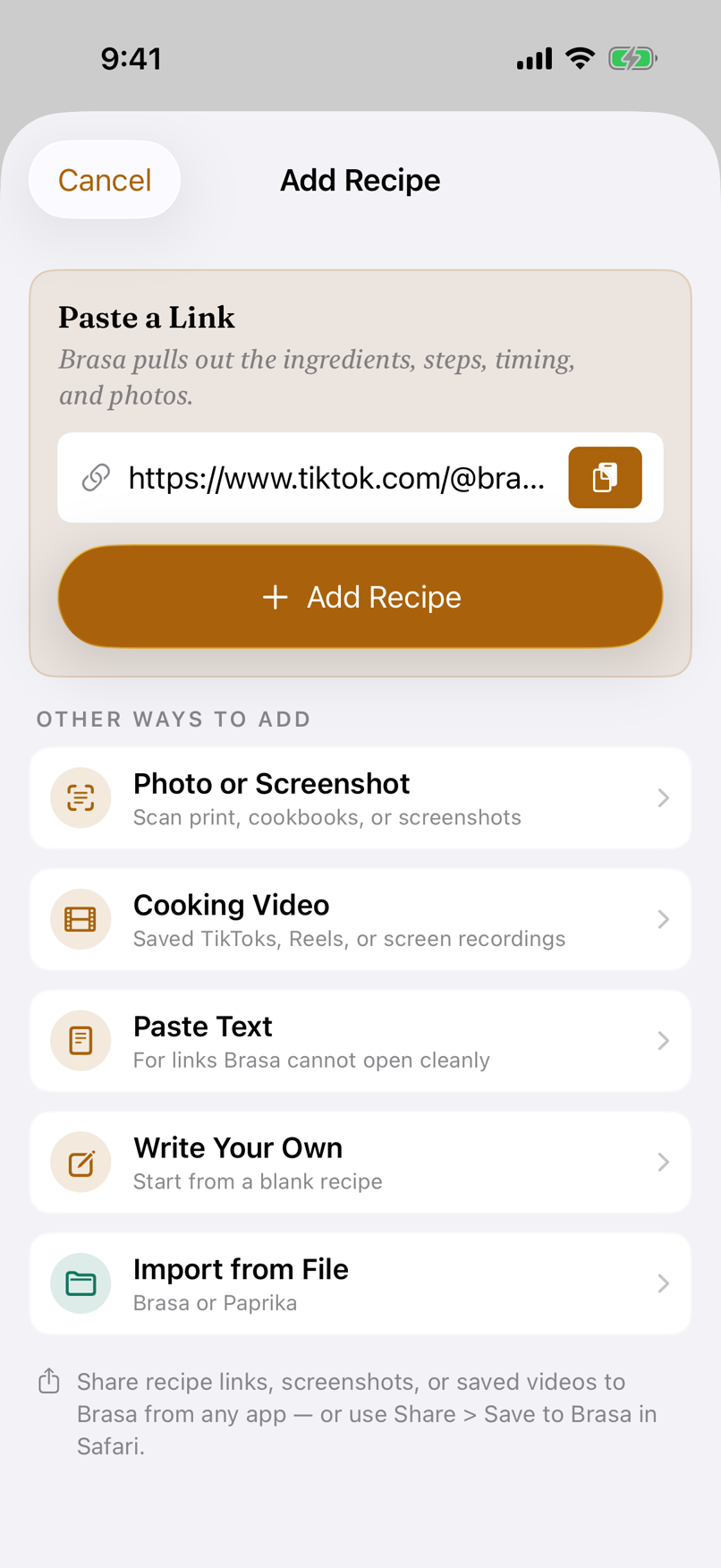
Paste the link
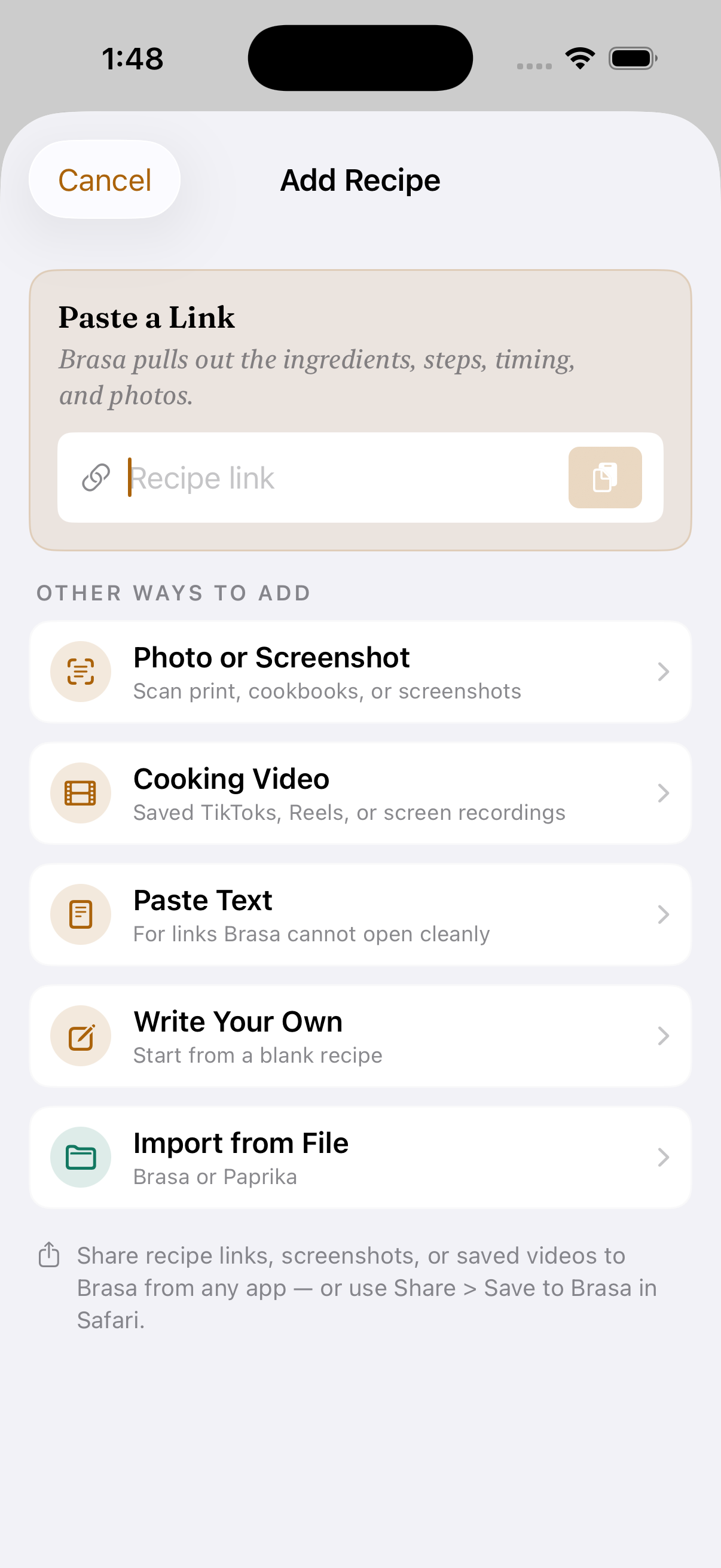
Prefer copy-paste? Share → Copy link, then paste into Brasa's Add Recipe screen. It lands in exactly the same place and works with the short links social apps put on your clipboard.
Method 3
Screenshot it
Sometimes the recipe lives in the caption or a pinned comment. Screenshot it — multiple screenshots are fine — and share the screenshots straight to Brasa, or import them from inside the app. On-device text recognition plus AI turns even a messy caption into a structured recipe.
Method 4
Save the video itself
Some creators never write the method down — it only exists in the video. When the platform lets you save the clip, import it from Photos; otherwise, use a screen recording you have permission to keep. Your phone listens to the narration and reads the on-screen text, then combines what it heard and saw with the written ingredients.
One guide, four platforms
TikTok
Posts, captions, and saved clips
Share the post or paste its link. If the recipe only exists in the video, import the saved clip or a permitted screen recording.
Reels, posts, and comments
Choose Save to Brasa from the Reel or post. Screenshots are useful when quantities live in the caption or a pinned comment.
Pins that lead back to the recipe
Share the Pin or paste its link. When it points to a recipe site, Brasa captures the original page rather than the Pin wrapper.
YouTube
Videos, Shorts, and creator links
Share the video link so Brasa can read its description and linked recipe. Screenshots or a permitted saved clip cover details that only appear on screen.
What you get after the save
- Follow the creator — Brasa offers to follow the cook behind the post by finding their blog or YouTube channel, so their next recipes show up in Your Sources on their own.
- Ingredient-aware cook mode — each step shows exactly which ingredients it needs, and how much, in type you can read from across the kitchen. Cook it hands-free: say “next” or “how much butter” and Brasa Voice answers out loud, entirely on your device.
- Automatic timers — Brasa spots "simmer for 20 minutes" and offers a live timer on your Lock Screen and Dynamic Island.
- Scaling with real fractions — half of ¼ cup becomes 2 tbsp, never "0.33 of an egg."
- AI-estimated nutrition, weekly meal planning, and one aisle-sorted shopping list across everything you plan — with Brasa Plus.
- Private sync — end-to-end encrypted across iPhone, iPad & Mac, no account required.
Frequently asked questions
Does Brasa watch the video?
It can — and it starts with the cheapest honest path. Brasa first reads the written recipe: the caption, a pinned-comment screenshot, or the creator's linked site. When the method only exists in the video, import the saved video and your phone does the watching: on-device speech recognition picks up the narration and on-device text recognition reads the overlays. Only if that still isn't enough does Brasa send a compressed copy of the clip for AI analysis. One thing no app can reach: recipes locked behind "comment RECIPE" DMs — Brasa tells you so instead of guessing.
Is it free?
Social posts, screenshots, and photos are smart captures — they take AI to read. The free tier starts with 10 smart captures and then includes 3 a month; Brasa Plus includes around 100. Regular recipe-site links that come in clean are unlimited on every tier.
Does the creator still get credit?
Yes. Brasa keeps the source link attached to every captured recipe, so you can always tap through to the original post. You can also follow the creator's blog or YouTube channel in Brasa, so their new recipes reach you, credited and linked back to them.
Own your recipes, not your bookmarks
Brasa is on the App Store. Turn the next social save into something you can cook.
Free to download · iPhone, iPad & Mac